Let’s face it, technology isn’t perfect. Occasionally, the applications we depend on for work and learning experience unexpected outages. While that can be frustrating, the uncertainty is even worse when you don’t know whether the issue is being addressed.
To keep everyone on campus informed, ITS Community Support provides real-time System Status Updates on the ITS Dashboard whenever there’s a disruption to a service or application we support.
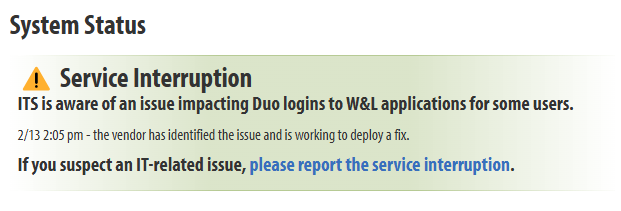
Here’s how our communication process works:
- Rapid Response: As soon as we become aware of a campus-wide issue (e.g., trouble logging into Box, slow Outlook performance, or problems with outbound calls), we make it a priority to post an initial update on the System Status section of the ITS Dashboard within 10 minutes.
- Wider Notification (if needed): If the outage affects a major service or is expected to last for an extended period, we also prepare a Broadcast Mailer to notify all students, faculty, and staff via email.
This straightforward process is designed to minimize confusion and keep everyone in the loop as we work to restore full service.